Phone vs online bookings: optimizing for both without cannibalizing either
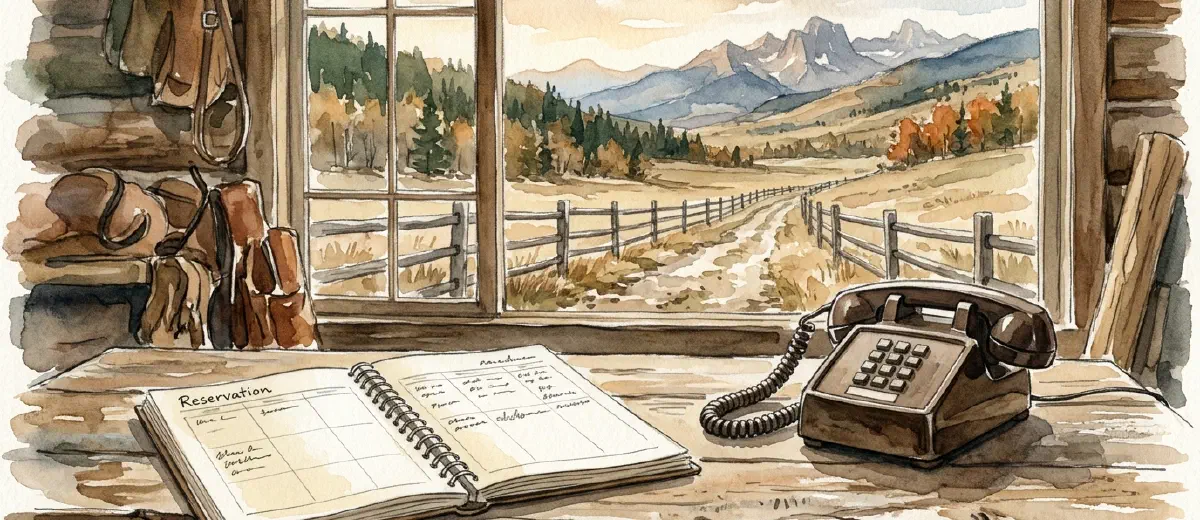
Most outfitters have the same problem: their booking software handles online reservations beautifully, but when someone calls, staff are scribbling on notepads and hoping nothing gets double-booked. Phone vs online bookings shouldn’t be a competition. Without a deliberate system, you’re probably leaving money on the table from both channels.
Roughly 15% of direct bookings for tour operators still come by phone, and those callers tend to spend more. They’re booking group trips, asking about customizations, or they have a question the website couldn’t answer. Meanwhile, your online channel handles the volume: the solo kayaker, the couple on a date-night float, the family that found you on Google at 11 p.m. and booked before you woke up. Both matter. The trick is setting them up so they don’t sabotage each other.
Why people still call (and why that’s fine)
Phone bookings aren’t a sign that your website is failing. They’re a sign that some trips are more complicated than a checkout form can handle.
Multi-day expeditions, large groups, and trips requiring equipment swaps or skill assessments almost always involve a call. A first-time rafter who wants to know what Class IV actually feels like needs a human being, not a FAQ page. A group of 14 wanting to split into two boats with a shared lunch spot has logistics that your booking widget can’t sort out cleanly.
Then there’s accessibility. Guests with mobility concerns or dietary restrictions often call to make sure their needs are understood before committing payment. That’s not friction. That’s trust-building.
Don’t try to push every phone caller online. Some trips close on the phone. What matters is that the phone booking flows into the same system as your online bookings, so nothing falls through.
The double-booking trap and how to avoid it
If your online booking system and your phone booking process aren’t connected to the same live availability, you will eventually sell the same spot twice. This happens at smaller operations more often than anyone admits.
Both FareHarbor and Peek Pro solve this directly. When a staff member takes a booking over the phone, they enter it into the same calendar the online widget reads from. Availability updates in real time, whether the booking came from your website, a call, or a third-party reseller. No reconciling two separate systems at midnight before peak season.
If you’re still managing phone bookings in a spreadsheet or a reservation notebook, that’s where double-bookings breed. The fix isn’t to stop taking calls. It’s to enter every phone booking into your booking software immediately, before you hang up.
This also prevents a subtler problem: holding spots informally for callers who never actually confirm. Set a policy now. A phone booking is only a booking when payment is collected or a deposit is on file. Verbal holds expire within 24 hours unless you’ve taken a card.
When to push online and when to let the phone close
Not every call needs to end with you booking it manually. Some calls come from people who needed one question answered, and once you answer it, they’re ready to book themselves online.
Train your staff to hear that moment. If someone asks “do you provide life jackets?” and you say yes, the next line is: “I can send you the link to book right now, or walk you through it on the site - which works better for you?” Most of them will book online. You just cleared the only obstacle.
The calls worth closing on the phone are the ones with multiple variables in play: group size negotiations, custom dates, multi-trip packages, or genuine safety questions. These aren’t people confused by your booking form. These are customers where a conversation adds real value.
The rule we’ve seen work: if the booking is standard (fixed trip, fixed date, one to four people), move them online. If it’s non-standard (group, custom, multi-day, accessibility needs), close it on the phone and enter it yourself.
Building a phone-friendly website that doesn’t undercut online bookings
Your phone number should be on every page, in the header, footer, and trip pages. Hiding it to force people online is a mistake that costs you group bookings.
Placement matters, though. If the number is the most prominent element on your site, it trains visitors to call even for simple reservations. Put the “Book Now” button first, the number second. Easy to book online, easy to call if needed.
A few things that reduce unnecessary calls without closing the channel:
Trip pages that answer common questions upfront (what’s included, skill level, group size limits, cancellation policy) cut the “I just need to ask one thing” calls significantly. A well-built trip page can reduce phone volume by 30-40% on its own.
A “Have questions? Call us” link near the booking widget gives hesitant visitors an out without making the phone the default path.
If you’re on FareHarbor or a similar platform, make sure your booking flow is actually clean on mobile. Nearly 40% of direct online bookings for tour operators now come from mobile, per Arival’s 2025 data. A clunky mobile checkout pushes people to the phone not because they prefer it, but because your form was frustrating.
Handling group inquiries without creating a mess
Group bookings are where phone-first makes the most sense, and where the biggest per-booking revenue lives. A group of 20 is worth more than ten individual pairs, and they almost always need a custom quote.
Build a separate inquiry path for groups. A “Groups & Private Events” link leading to a contact form (not a booking widget) sets the right expectations and captures the lead without forcing people through a checkout that wasn’t designed for their situation.
When that form arrives, respond within two hours during business hours. Group trip buyers are often coordinating for other people and working against a deadline. A slow response hands the booking to whoever picks up the phone first.
On the call, nail down: headcount, date flexibility, experience level, any special requests. Then quote with a time limit. “I can hold this for 48 hours with a deposit” moves things forward. Open-ended holds eat your calendar flexibility and rarely convert better than a firm offer does.
Tracking which channel is actually converting
If you’re not tracking phone and online bookings as separate sources, you can’t make smart decisions about either one.
Most booking platforms let you tag the source when you enter a manual reservation. Use it. Track at minimum: online direct, phone, walk-in, OTA/reseller. Pull that breakdown monthly.
Phone bookings will almost certainly show a higher average transaction value. That’s expected - they skew toward groups and premium trips. Online bookings will show lower acquisition cost since no staff time was spent on the call. The goal is routing each customer type to the channel that serves them well, not picking a winner.
Some operators use call tracking tools like CallRail to capture which marketing source drove a phone call. If someone found you through Google Ads and called instead of booking online, you want to know that. It helps attribute the conversion accurately and to check whether your booking page has friction worth fixing. The checkout friction on your form may be quietly rerouting people to the phone without you realizing it.
Staff training on the phone channel
A booking call is a sales call. Most outdoor business owners know their trips cold, but the staff who answer the phone are often there for logistics, not closing. That gap costs bookings.
The most common failure mode: staff answer questions competently, then wait for the customer to decide. Instead of asking for the booking. “Does that answer your question? Great - can I get you set up for a date?” is not pushy. It’s doing your job.
If calls are going long without converting, figure out why. Are staff reciting trip details the website already covers? Struggling with pricing questions? Giving open-ended holds instead of collecting deposits? Any of those is a process problem with a process fix.
A 10-minute role-play where staff practice moving from question-answering to booking-closing is worth more than most marketing spend.
Online bookings handle your volume. Phone bookings handle your complexity. Neither channel hurts the other when the system is right, and the system isn’t complicated. One booking platform, live availability across all channels, and staff who know when to close on the phone and when to send someone the link. Start by checking whether your current setup actually feeds phone bookings into the same calendar as online ones. If it doesn’t, fix that before anything else.


