GoPro content strategy for outdoor businesses: setup, filming tips, and editing
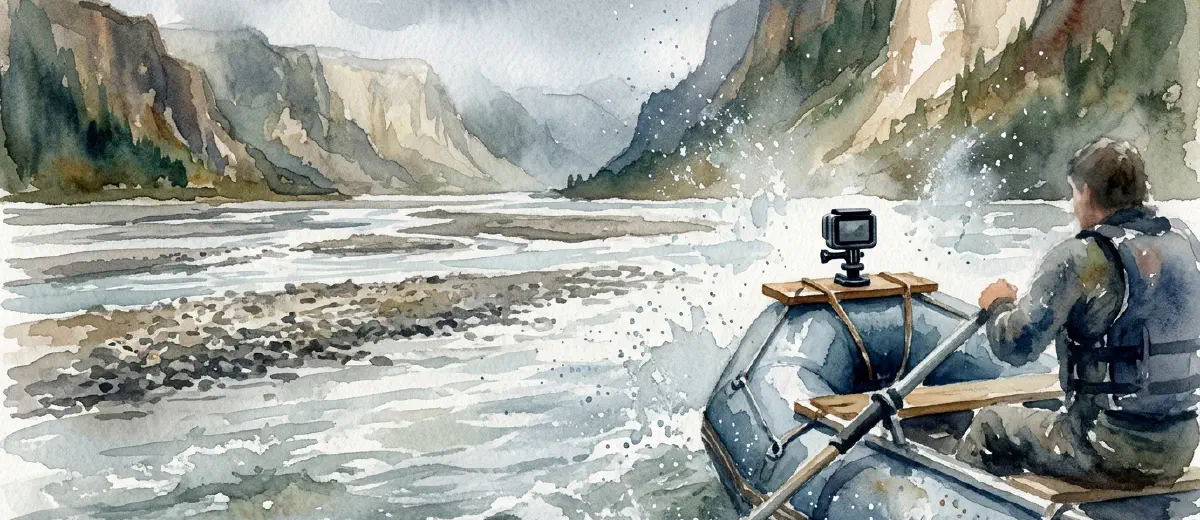
A GoPro mounted on a helmet, pointed at a raft punching through a Class IV rapid, does more marketing work than any banner ad you’ll ever buy. It shows the experience. Guests who’ve watched trip footage before booking show up less nervous, ask fewer refund questions, and leave better reviews - because what they saw matched what they got.
The problem isn’t that outdoor businesses don’t know GoPros exist. Most operators own one. The gap is between owning a GoPro and actually using it as a marketing tool - and that gap is almost entirely about workflow, not hardware.
Here’s the system that closes it.
Which gopro model actually makes sense for your operation
The GoPro HERO13 Black runs $399 and shoots 5.3K at 60fps, 4K at 120fps, and 2.7K at 240fps for slow-motion. Its HyperSmooth 6.0 stabilization is good enough that mounted helmet footage stays watchable even on rough water. The 1900mAh Enduro battery runs longer than earlier models in cold weather - relevant if you’re guiding in Colorado in early spring or late October.
The HERO13 is overkill for many outfitters just getting started. A used or refurbished HERO12 Black typically sells for $200-$250 and shoots 5.3K with HyperSmooth 5.0. Nearly identical for social media output. The resolution ceiling matters less than the consistency of actually filming.
One camera per guide is the real goal. If your team shares a single unit and passes it around, you’ll get sporadic coverage and gaps on busy weekends. Buy a second body before you buy a single accessory.
The four mounts that matter
Most GoPro mount kits include ten accessories. Four of them do 90% of the work for outdoor businesses.
The helmet front mount puts the camera at forehead level facing forward. It’s the POV shot everyone expects from adventure footage - visible on raft, rock, mountain bike, or horse. Your guide wears it; the guest’s experience fills the frame.
The chest harness captures a lower, more stable angle that works especially well on guided hikes, horseback rides, and kayaking. It shows what’s in front of the guide without the bobbing that helmet mounts sometimes produce on foot.
A handlebar or seatpost mount clips to a paddle shaft, bike frame, or ATV handlebar. It’s the wide shot that shows the environment, not just the action - useful for establishing the scale of a canyon or the speed on a descent.
Suction cup mounts attach to flat surfaces: kayak decks, raft tubes, vehicle hoods, boat gunwales. They hold 5.3K video steady through current and vibration. Every whitewater company running multi-day trips should have two of these.
Buy original GoPro mounts, not third-party knockoffs. The clip mechanisms on cheap alternatives fail in cold water and high vibration - and they always fail at the worst possible moment. Losing a camera at the bottom of a rapid because you saved $15 on a mount is not a trade worth making.
Settings that actually hold up on social
The HERO13 has dozens of shooting modes. Most guides don’t need to touch 80% of them.
For your standard trip footage that ends up on Instagram and YouTube, shoot 4K at 30fps. The files are manageable in size, the footage looks sharp on every screen, and it edits without lag on a basic laptop. 5.3K at 60fps produces enormous files that slow down every step of the workflow - save it for hero shots on special trips.
For slow-motion water shots - a kayak rolling, a raft dropping into a hole, a fish breaking the surface - use 2.7K at 240fps. At full slow-motion playback, that’s 8x speed reduction. Five seconds of footage becomes 40 seconds of usable material. One well-timed slow-mo clip in a 60-second reel makes the whole thing better.
Turn on HyperSmooth at the start of the season and leave it on. The one exception: if you’re mounting on a completely rigid surface like a welded rod holder, you can turn it off to reduce the slight crop it adds to the frame. For anything worn or handheld, always leave it on.
Shoot in wide angle for action footage. Switch to linear for anything you’d show guests or embed on a website - the fisheye distortion from wide angle looks natural in short clips but becomes distracting in longer form content.
Filming with intention, not just quantity
Most GoPro footage is unusable because it was filmed continuously from mount-on to mount-off. An hour of raw footage from a guided trip yields maybe four minutes of usable material. That ratio gets worse if nobody thought about what shots they actually needed.
Before each trip, plan three shots: an establishing wide that shows where you are, a POV action moment, and a reaction or environment shot. Three intentional shots per trip gives you raw material for a 30-60 second reel. That’s the goal.
Rafting and kayaking operations get the best results from mounting at the bow of the raft for the establishing shot and using a helmet mount on the lead guide for the action POV. The combination gives you environment plus experience in every edit.
Fishing guides have a different challenge: the payoff moment - a hookset, a fish in the net, a release - is unpredictable. Mount a GoPro on the side of the drift boat or at the stern aimed forward and let it run during prime fishing time. Cut every cast. Keep the strikes and the net moments. The guests want to relive catching the fish, not watching someone cast for forty minutes.
For hiking and overland tours, chest mount on the lead guide during the highest-drama part of the route - the summit approach, the stream crossing, the wildlife sighting zone. Don’t run it the entire day.
Editing: realistic options for a small operation
You don’t need a video editor on staff to turn GoPro footage into usable content.
The GoPro Quik app handles the full workflow on a phone. Import footage, select a highlight reel length (30, 60, or 90 seconds), let it auto-cut to music, and export to your camera roll. For Instagram Reels and post-trip emails, Quik gets you from raw footage to published content in under 20 minutes. It’s free and runs on iOS and Android.
The output is good enough for social media but limited for YouTube or your website. For anything longer than 90 seconds, you’ll want more control over the cut.
DaVinci Resolve is free desktop editing software that handles 5.3K GoPro footage without the lag problems older free tools had. The learning curve is real - plan a full weekend to get comfortable with the basics, not an afternoon - but color grading and multi-clip timelines are in a different league from Quik. This is the right tool once you’re publishing to YouTube, your website, and social at the same time. We’ve seen operators make the switch after six months of Quik-only work, and the jump in output quality is obvious within the first month.
CapCut runs on mobile and gives you more manual control than Quik without the desktop commitment. It’s free, handles vertical and horizontal export formats, and has become the standard tool for operators who want Reels-quality cuts without a laptop.
One practical note: GoPro footage files are large. A two-hour trip in 4K/30fps produces roughly 30-40GB of raw footage. Build a storage workflow before you need it - at minimum, an external hard drive for each season, labeled by date and trip type. Footage you can’t find is footage you can’t use.
Where to publish and in what format
The footage you shoot has at least three distribution channels, each with different format requirements.
Instagram Reels performs best at 30-60 seconds, vertical (9:16), with on-screen text and captions. The audio matters - either original sound from the trip or licensed music. Most outfitters get the footage right and neglect the captions. On Instagram, 74% of video is watched without sound, so captions aren’t optional if you want the message to land.
YouTube takes the full cut. A 2-4 minute trip highlight - with an intro that sets location context, the action footage in the middle, and a brief outro - builds the long-term channel that ranks in Google search. A search for “Grand Canyon rafting trip video” or “Maine fly fishing guide” surfaces YouTube results. That’s free awareness at the top of the funnel. Video SEO for adventure tourism covers the channel-building strategy in more detail.
Post-trip email is underutilized. A link to a 60-second highlight reel sent within 48 hours of the trip end gives guests something to share. Many will forward it. Some will post it. Every share extends your reach to people who are demographically identical to your existing customers. Pair this with your review request and your rebooking offer in the same email - the video creates the emotional peak that makes the review and rebook asks feel natural.
Your website trip pages should have video. A short embed - even 30-45 seconds - showing the experience in actual conditions reduces the uncertainty that kills bookings. Guests who watch a video before booking convert at higher rates and arrive with more realistic expectations. Both outcomes are good for your business.
For guides on stretching a single trip’s footage across multiple content pieces, the repurposing workflow has a system worth bookmarking.
The real barrier isn’t gear
Most outfitters who haven’t built a GoPro content system aren’t stuck on equipment. They’re stuck on the time cost of editing - or the idea of it. The actual time cost, once you’ve run Quik a few times, is under 20 minutes per trip.
Start with one camera, one reliable mount, one trip per week filmed with intention. Get comfortable with Quik. Post the output on Reels and in your post-trip email. After 90 days, check your follower growth, email click rates, and whether guests are mentioning the video when they book a second time.
The outfitters who build this habit early end up with a searchable YouTube archive, a post-trip email that drives repeat bookings on its own, and guests who arrive having already seen what the experience looks like. That last part matters more than most operators realize - guests who’ve watched your footage before showing up cancel less and tip more.
The footage is already happening on your trips. The only question is whether it ends up on an SD card no one ever opens or on every channel where your next guests are looking.


