Why your Google Business Profile photos matter more than you think
Someone searches “rafting near me.” Google shows a map with three businesses. Two have a single blurry logo. The third has a photo of a family mid-rapid, laughing, water spraying everywhere. Which one gets the click?
That’s the argument for Google Business Profile photos in outdoor recreation, and the data backs it up. According to Google, businesses with photos receive 42% more requests for directions and 35% more clicks to their website. Profiles with ten or more photos tend to see double the engagement of those with just a few. For outdoor businesses where the experience is visual by nature (rafting, fishing, skiing, hiking), photos aren’t a nice-to-have. They’re one of the easiest things you can do to get more clicks from local search.
What the data actually says
Google’s own research shows that photo-rich profiles significantly outperform bare ones. But the effect goes beyond just clicks. When Google displays the local pack (those three or four business listings under the map), the photos are one of the first things a searcher sees. A compelling image can be the difference between someone clicking your listing or scrolling past it.
Businesses with more photos also tend to get more engagement signals: more profile views, more calls, more website visits. Those engagement signals feed back into how Google evaluates your listing for local pack rankings. Photos don’t directly boost your ranking. They drive behavior that indirectly improves your visibility. More clicks, more time on your profile, more direction requests. Google reads all of that as a signal that your business is relevant and active.
For outdoor recreation businesses specifically, the impact is amplified. You’re selling an experience. A Google listing with a photo of someone standing on a sun-lit river bank holding a 20-inch brown trout tells a more persuasive story than a text description ever could.
What to upload (and what to skip)
Not all photos help equally. Google Business Profile photos for an outdoor recreation business should cover a few key categories.
Action shots from actual trips. A raft punching through a wave. A client casting into a morning fog. A family at the summit. These are your strongest assets because they show the experience, not just the business. Real guests having real fun on real trips. If you run a fishing guide service, a photo of a client holding a catch on your home water is worth more than any stock image of a generic river.
Your team and guides. People want to see who they’ll be spending the day with. A few photos of your guides rigging boats, helping a kid into a life jacket, or pointing out something on the trail build trust before the customer ever picks up the phone.
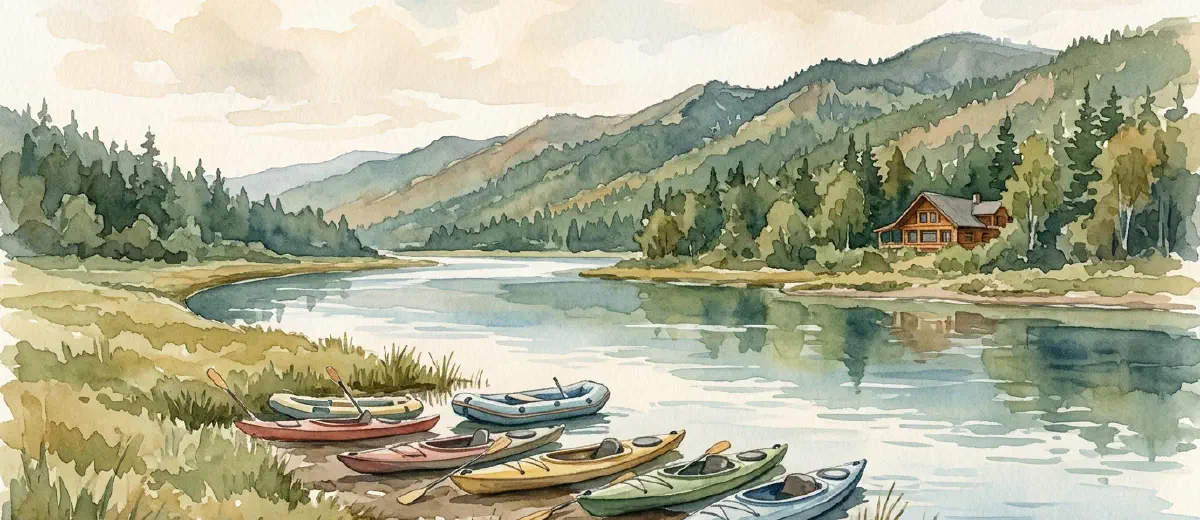
Gear and facilities. Your fleet of boats lined up at the put-in. The inside of your shop or rental counter. The lodge common room. The shuttle vans. These photos answer the unspoken question: “Is this a legit operation?” For businesses with physical locations, exterior shots from the road help people find you when they arrive.
Scenery from your operating area. The river at golden hour. The ski run after fresh snow. The canyon from the rim. These don’t show your business directly, but they sell the destination. And the destination is why people are searching in the first place.
What to skip: Stock photos of any kind. Google can detect them and they undermine trust. Blurry phone photos taken at arm’s length. Heavily filtered or oversaturated images. Photos with watermarks. Group photos where nobody’s face is visible. Anything that looks like it was taken in 2012 and hasn’t been updated since.
How many and how often
There’s no hard ceiling, but aim for at least 20 to 30 photos as a starting point. Profiles with more photos consistently outperform those with fewer. That doesn’t mean dump 200 images at once. Quality matters more than quantity. Thirty strong photos beat a hundred mediocre ones.
More important than the initial count is the cadence. Add new photos regularly. Two or three fresh photos a month keeps your profile looking active. Google notices when a profile is being maintained, and so do potential customers. A listing whose newest photo is from two years ago doesn’t inspire confidence.
The best time to batch-upload is during your off-season audit. Go through last season’s trip photos, pick the 15 or 20 best ones, and add them all at once. Then trickle in new ones each month during the operating season.
If your guides carry phones or GoPros on trips (and most do), you already have a supply of fresh photos. Build a habit of pulling the best two or three from each week and adding them to your profile. It takes five minutes.
Don’t forget the basics
Photos matter, but they work best on a profile that’s already set up well. Make sure your Google Business Profile is fully filled out: hours, categories, services, description, and accurate location information. A great photo gallery on a half-completed profile won’t perform as well as it could.
Also check that your photos have appropriate file names before uploading. “IMG_4382.jpg” tells Google nothing. “family-rafting-nantahala-river.jpg” gives Google context about what’s in the image. It’s a small thing, but search engines read file names, and it takes ten seconds to rename a file.
Think about your photos the same way you’d think about the first impression someone gets when they walk up to your shop or meet your guides at the put-in. Your Google Business Profile is often the first interaction a potential customer has with your business. The photos are the handshake.
You’re in the business of putting people in beautiful places doing exciting things. You already have better photo material than 90% of businesses on Google. Use it.